
Tasks & Minigames
Master every office minigame in Worming from Home — spreadsheets, Messages, phone calls, graded video calls, the printer and the job interview.
Introduction
Tasks are the heartbeat of every Worming from Home workday. As a Jr. Analyst you never touch a real keyboard — instead you fling your ragdoll body at an oversized one, bashing keys with your face to fill spreadsheets, tapping reply buttons with your chin and wrestling hardware like the printer into obedience. Each task type has its own rhythm, its own failure states and its own quirks that the game never explains. This section breaks down every office minigame in detail: what triggers it, how the timer behaves, which mistakes cost you the most time and the specific techniques players have found for scoring higher. Master the tasks and everything else in the game — promotions, raises, achievements — follows naturally.
Task Minigame Cheat Sheet
| Task | What you do | Success tip |
|---|---|---|
| Spreadsheet Entry | Hit the requested number keys before the timer empties | Short controlled flops, one key at a time |
| Messages | Reply to Steve, Trevor and M while the clock runs | Speed matters more than perfect wording |
| Video Call | Answer questions to earn a graded call | Stay on camera and never hang up first for S rank |
Task Playbooks
Spreadsheet Entry
The daily bread of a Jr. Analyst — number keys on a timer.
Messages
Three contacts, one inbox, zero patience.
Video Call
Graded performance reviews with your face on camera.
Core Mechanics
Every task in the office follows the same skeleton: the calendar schedules it, a timer constrains it and your physics-soaked body has to execute it. Spreadsheet entry asks you to reach specific number keys, which means route planning — where you launch from matters as much as how fast you move. Messages is a reaction game with an affection layer, since Steve, Trevor and M all track how quickly you respond. Video calls grade your answers and your composure, reserving S rank for worms that stay engaged from hello to goodbye. The printer and the phone are hardware puzzles where brute force backfires. Understanding each task's internal timer is crucial: some expire silently and just cost promotion progress, while others fail loudly and can derail a whole day.
Advantages
Learning the tasks properly compounds across the entire save. Clean task performance is the main driver of promotion progress, and promotions raise your salary, which funds the interns, shop items and stock positions that carry the late game. Task mastery also feeds achievements directly: speed replies push you toward Wow, You're Desperate, an S-grade video call unlocks Absolute Expertise, the interview route ties to a documented 4.5 score, and even the humble printer connects to Is This Even Legal through the counterfeit bill task. Because the same five minigames repeat every day, an hour spent practicing early pays dividends across the whole career — unlike games where skills expire, your worm's office competence is permanent.
Challenges
The task system's weakness is that it never teaches you anything formally. Icons on the calendar hint at what is coming, but the game leaves you to discover that the printer hates momentum or that hanging up first tanks your video call grade. The physics engine adds variance even to perfect technique — a worm that flings identically twice can land two different keys, which makes tight timers genuinely frustrating on bad days. Several tasks also stack on the same workday in the later week, creating crunch windows where finishing one task means failing another unless you have learned efficient routes between the desk, the printer and the phone. Players who bounce off Worming from Home usually bounce off here, on a day when three tasks collided at once.
Frequently Asked Questions
How do I fill spreadsheet cells faster?+
What happens if I fail a task?+
Do I need an S rank on every video call?+
Quick Tips
Position before you fling. Every task rewards a worm that starts in the right spot, so after finishing one task, drag or flop yourself toward the likely location of the next one instead of waiting for the timer to start — the seconds you save are pure grade points. Fold it into your normal routine and the benefit compounds quietly across the entire career.
Watch the other worm workers in the office during your first days on the job. The game quietly demonstrates correct task posture through the environment and the coworkers themselves, and the office layout hints at where the phone and printer interactions actually register before you ever try them blind. Fold it into your normal routine and the benefit compounds quietly across the entire career.
If a task is going badly, abandon it early and bank a different one instead. Two completed tasks beat one botched plus one expired every time, and the game rarely punishes prioritization — the promotion math cares about completed work at the end of the day, not effort spent suffering. Fold it into your normal routine and the benefit compounds quietly across the entire career.
Featured
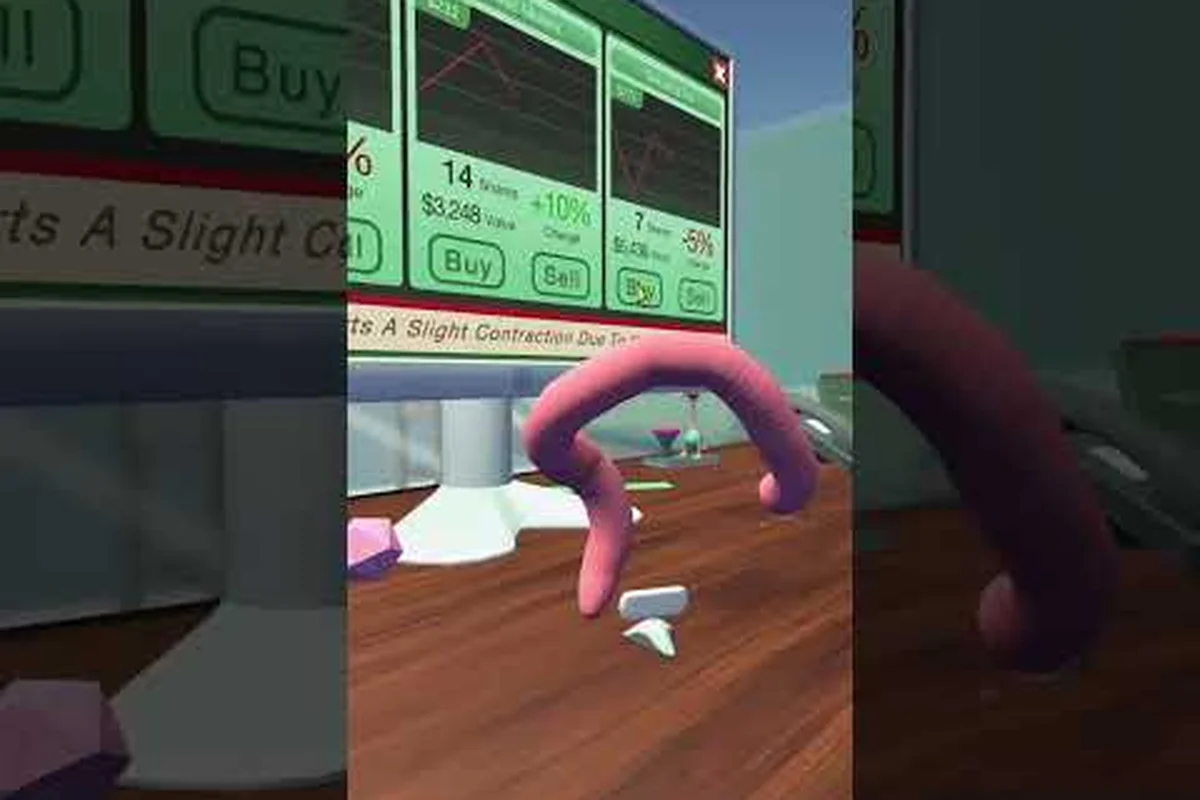
Worming from Home How to Reply to Messages Fast: Calls and Grades
Learn Worming from Home how to reply to messages fast with our messages app speed guide, phone call etiquette, and S-grade video call answers.
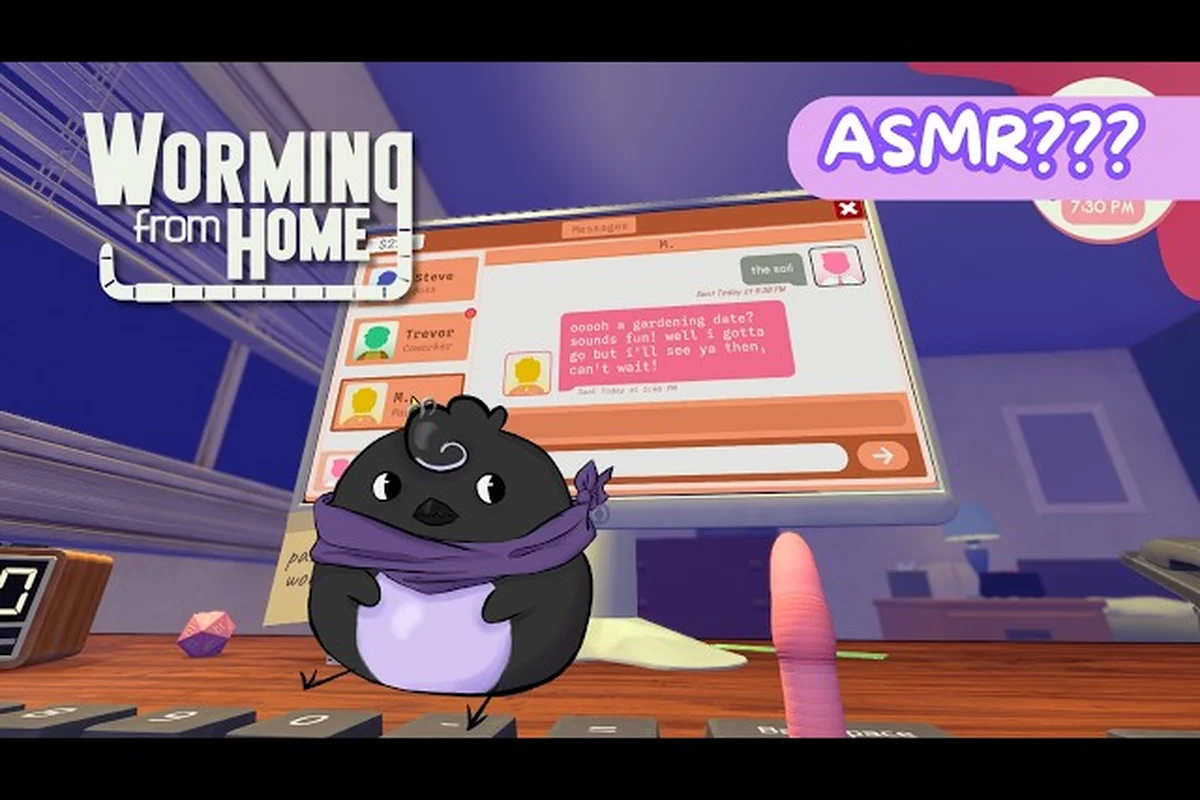
Worming from Home Fill Out a Spreadsheet: Steve Reply and Trade
Clear every Worming from Home fill out a spreadsheet task with Steve reply tips, stock trade steps, and the fastest intern payout routes.
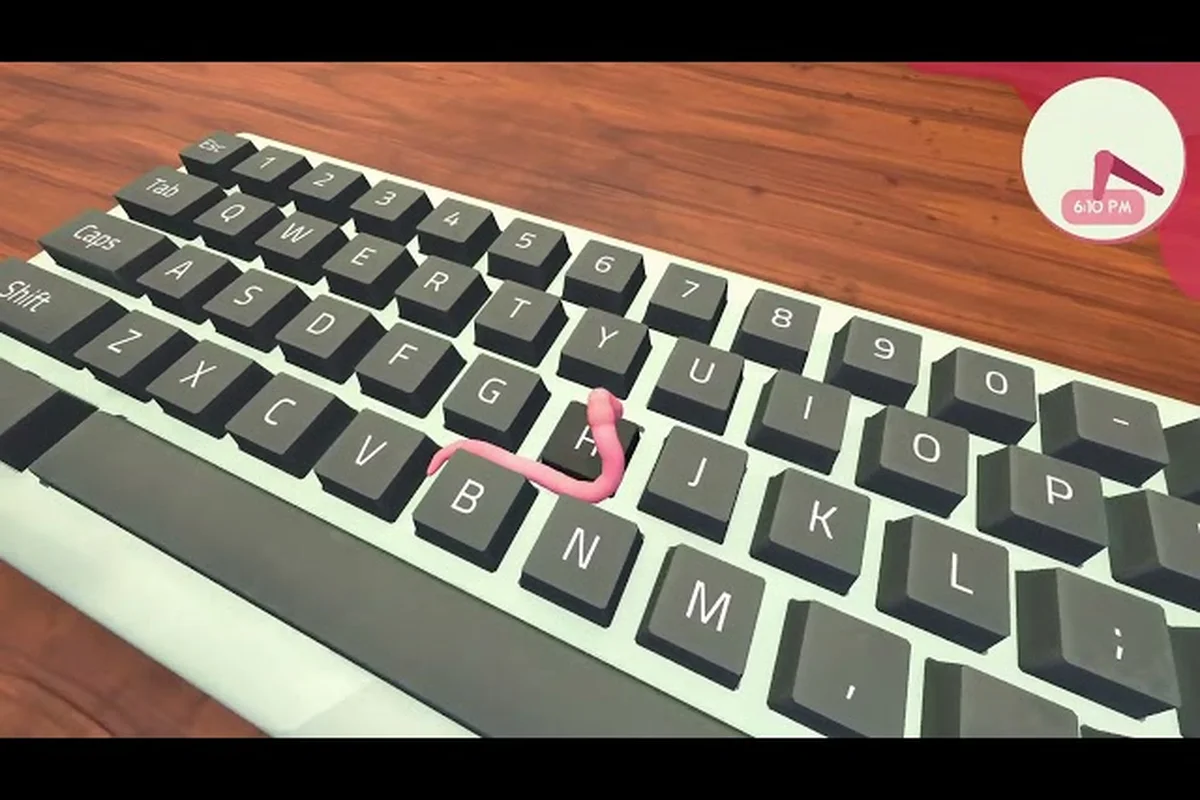
Worming from Home Overtime Guide: Speed Replies, Apps, Bonus Pay
Max your Worming from Home overtime payoff with computer app shortcuts, message reply speedruns, and tips for answering M without dropping a task.
All Articles
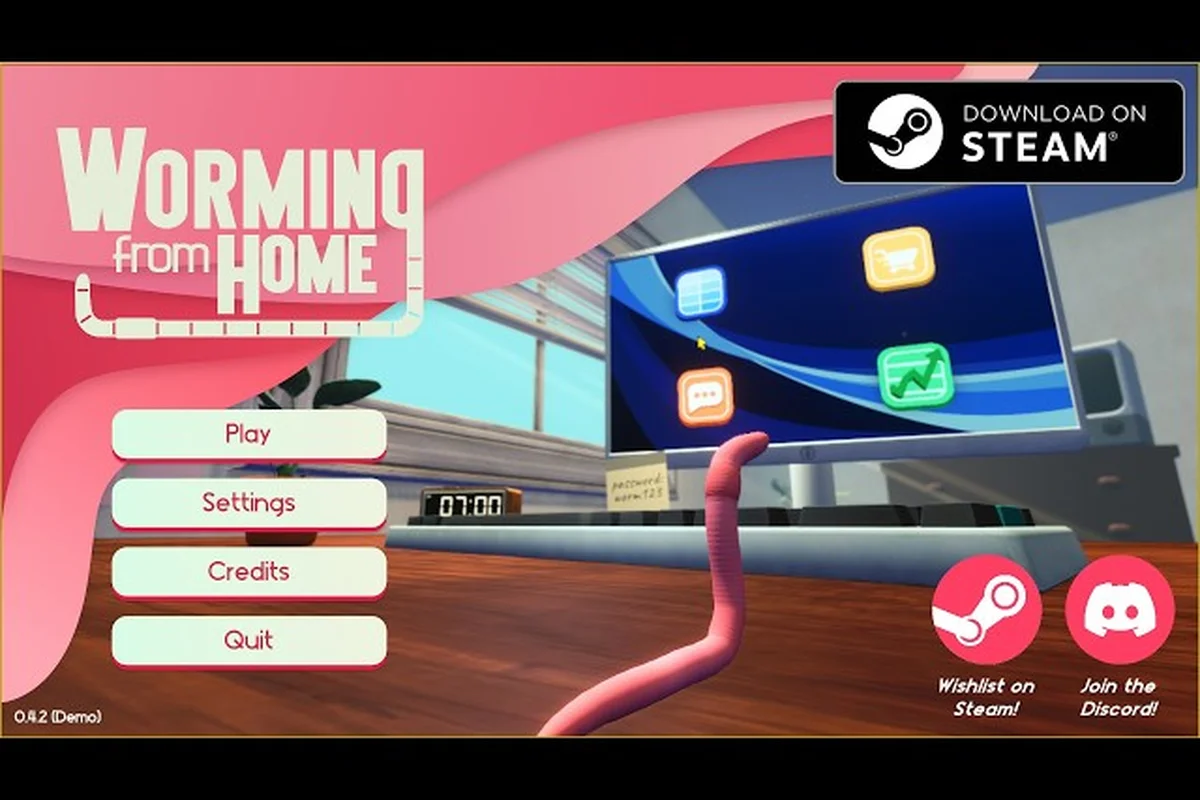
Worming from Home Typing Minigame: Head-Bash Keyboard Tips
Conquer the Worming from Home typing minigame with head-bash keyboard strategies, work-task combos, and tips for clearing M's birthday challenge without flailing.
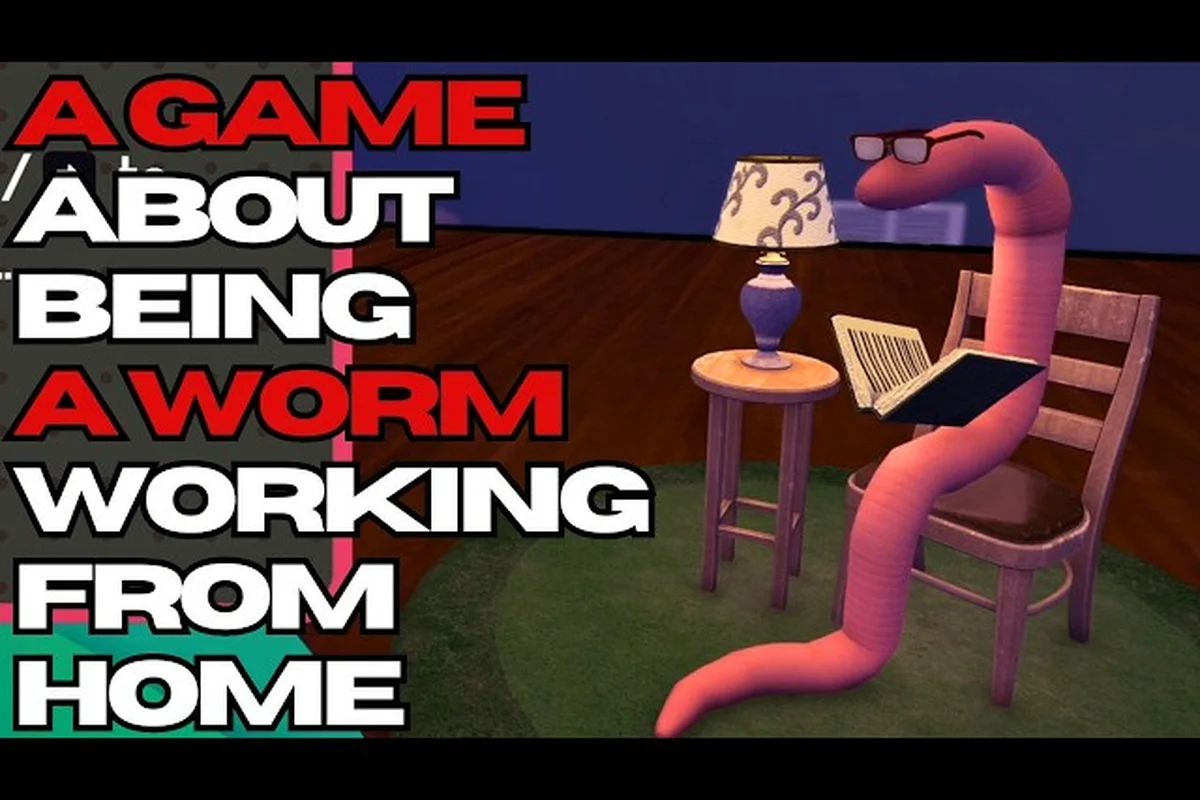
Worming from Home Boss Tasks: Calendar, Deadlines, Fast Clears
Stay on top of every Worming from Home boss task with this calendar walkthrough covering action items, timer tricks, and the fastest daily clears.
Worming from Home Tasks Guide: Spreadsheets, Messages, and To-Dos
Master every Worming from Home task with this guide to spreadsheet cell entries, messages app replies, and clearing your daily workload.

Worming from Home Printer Guide: Paper Loading and Interview 4.5
Master the Worming from Home printer with this guide covering paper-loading tips, a 4.5 interview minigame breakdown, and what to expect from the job interview test.